
 Room Series
Equipment configuration
Service account creation
In order to supervise and control Cisco equipment, a service account must be created.
- Log in to Cisco equipment
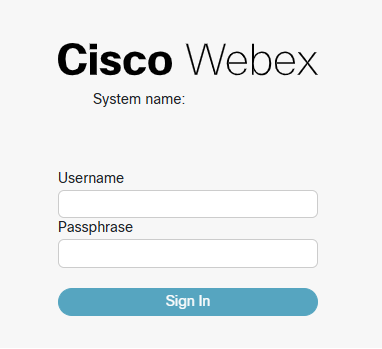
- Select

- Click on Create User
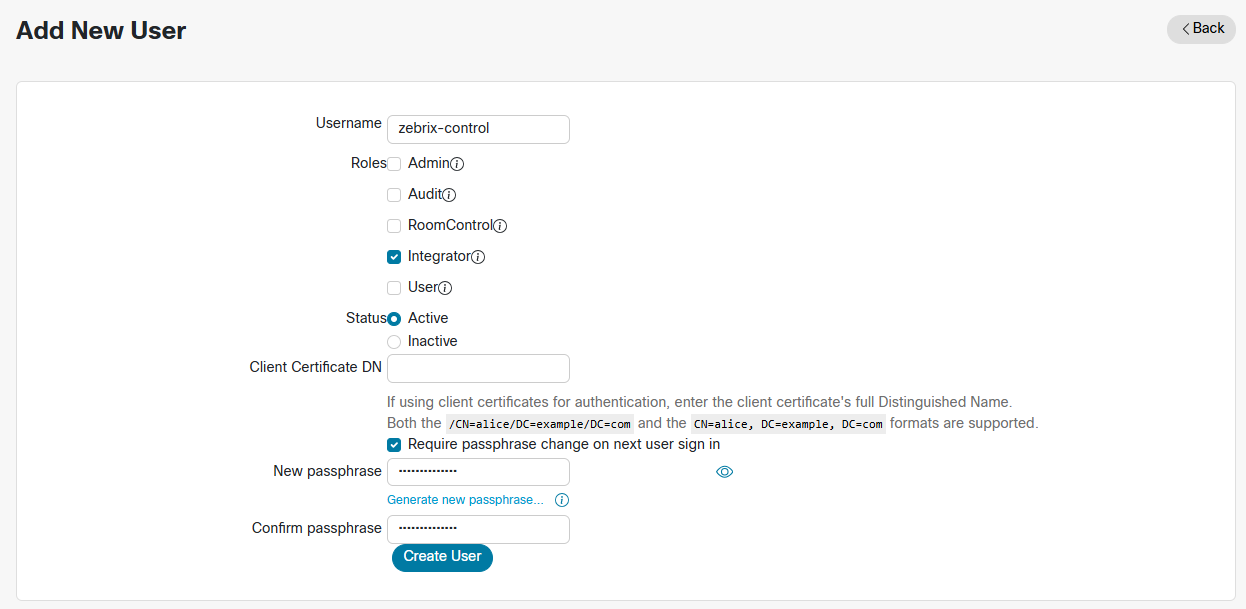
Network Services Settings
Please set your network services as shown below:

RoomAnalytics Configuration
To enable the full collection of Room Analytics metrics in Zebrix Control, several settings must be activated on Cisco endpoints. These settings ensure features such as presence detection, people counting, and acoustic analysis, even when the endpoint is not in a call.

Driver configuration on Zebrix Control
- URL : websocket URL of the Cisco endpoint (ex: ws:\\192.168.1.1)
- Username : API user login
- Password : API user password
Your Cisco endpoint is now added as equipment in Zebrix Control.